NextCam
A new perspective for Minecraft Bedrock.
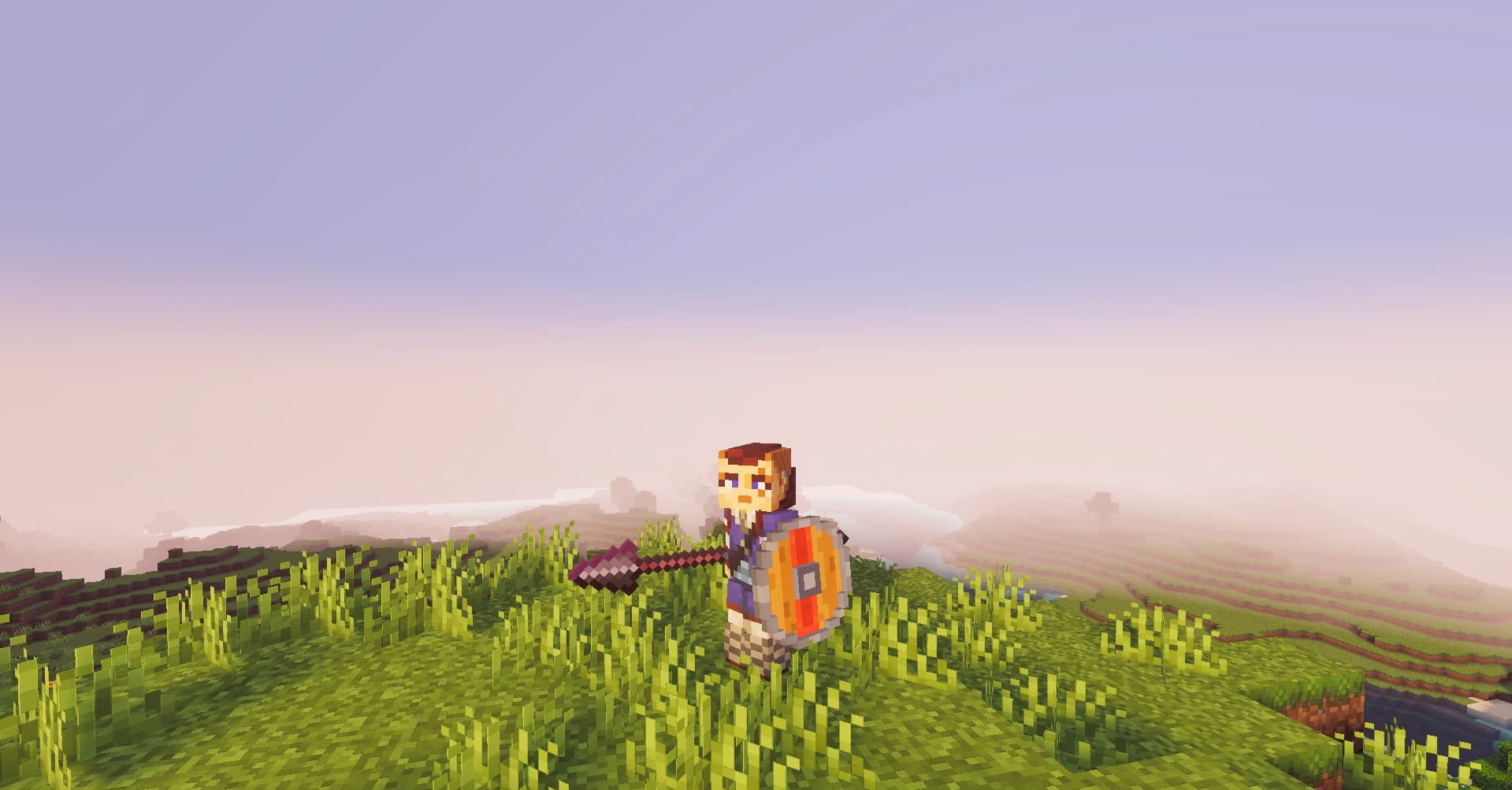
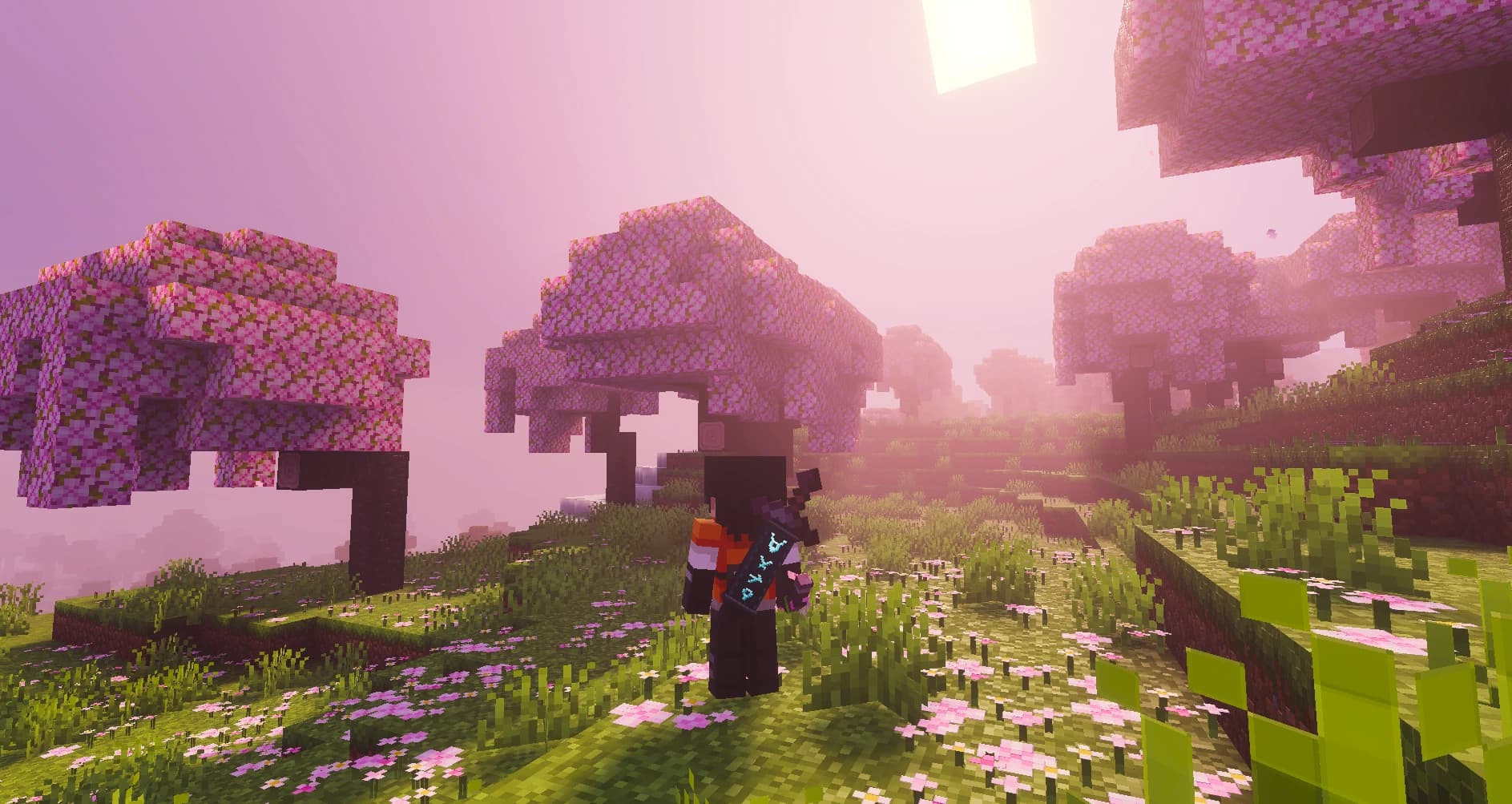
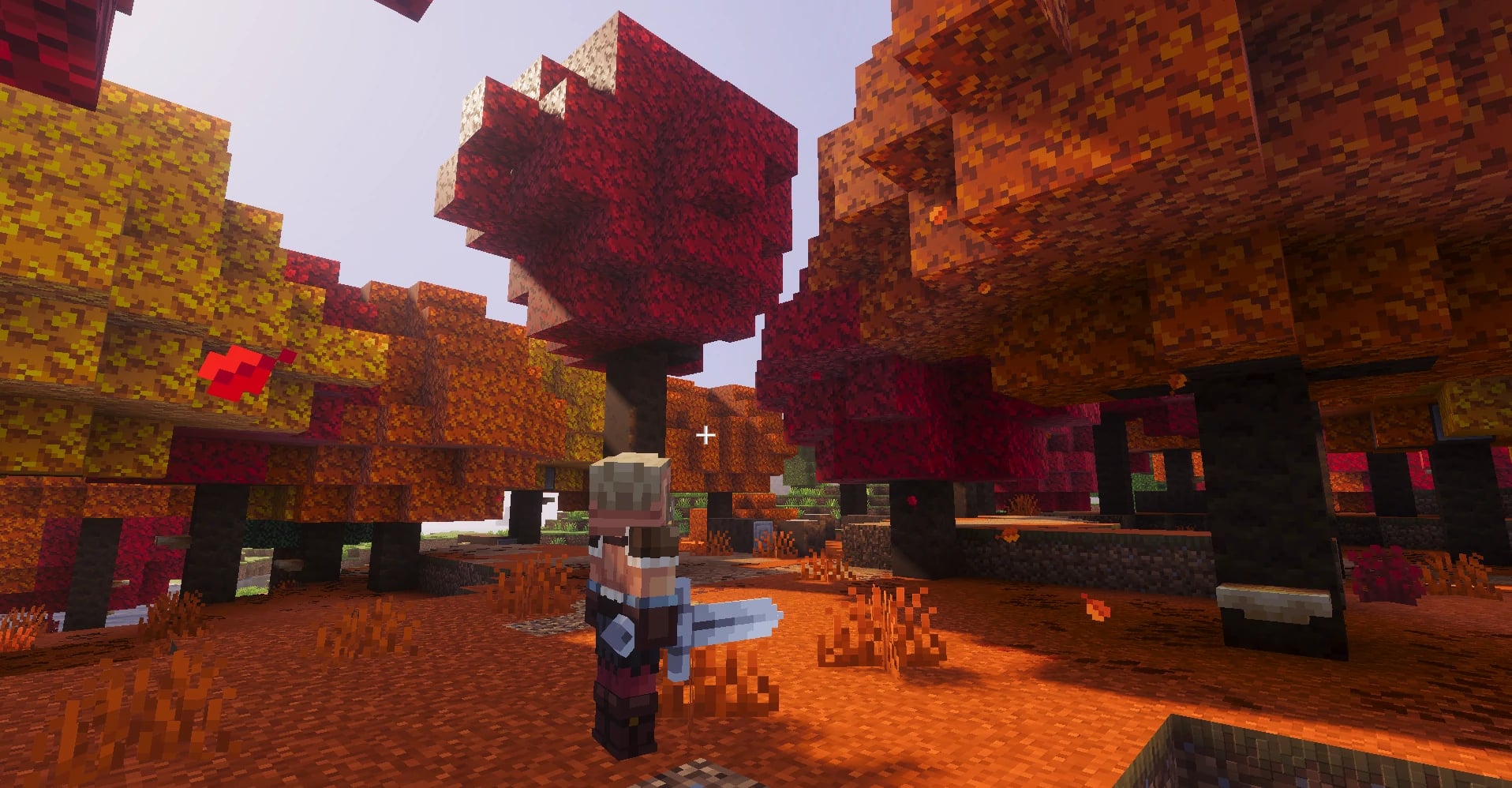
Play in third person. The camera adapts.
NextCam is a configurable camera system for Minecraft Bedrock that adapts perspective, distance and behavior to each player.
Keep your surroundings in view as you explore, regain precision when aiming and adapt your camera to tight spaces.
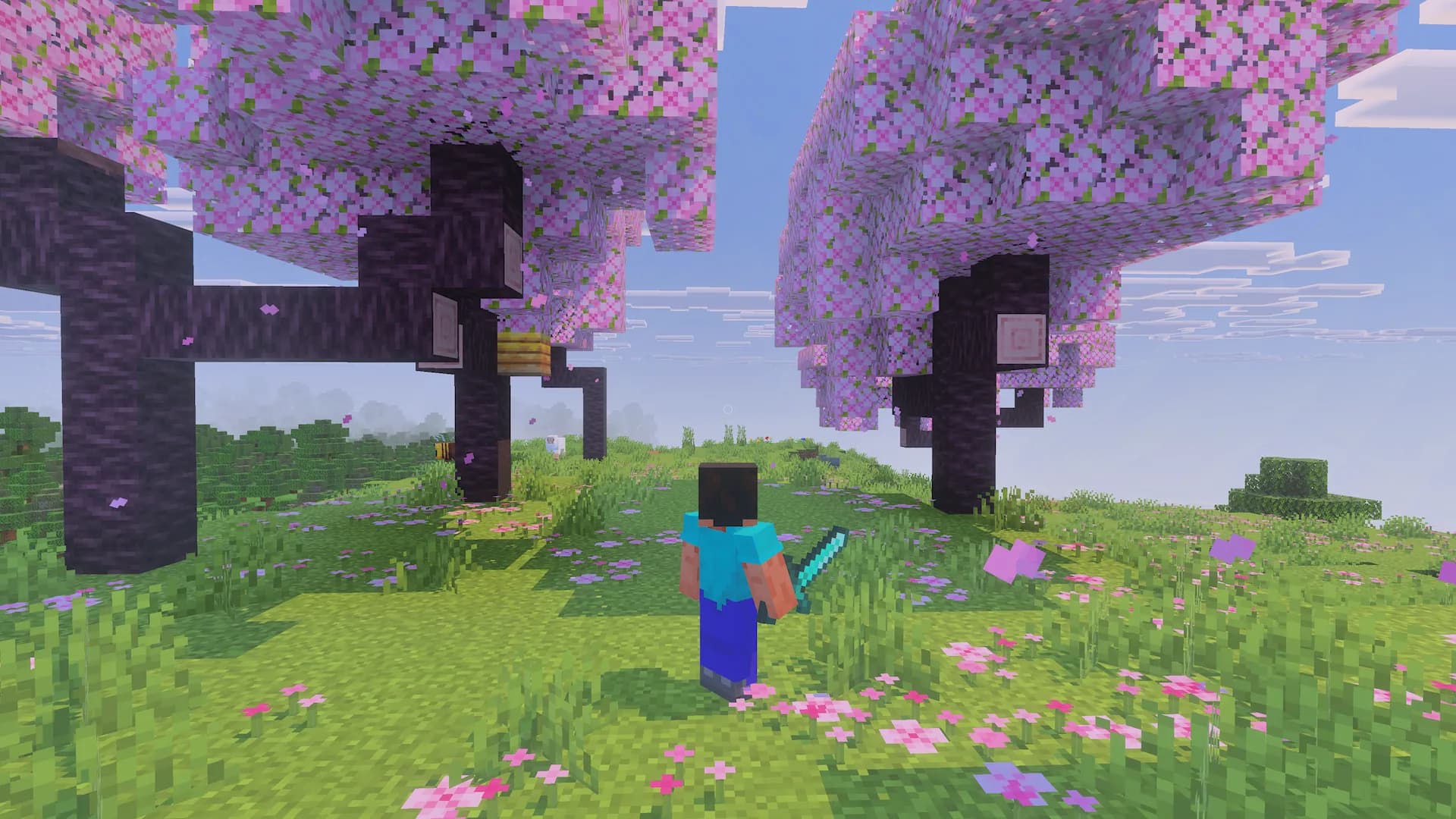
Choose your framing.
Compare seven perspectives. Each changes the distance, height or control of the camera to support a different way to play.
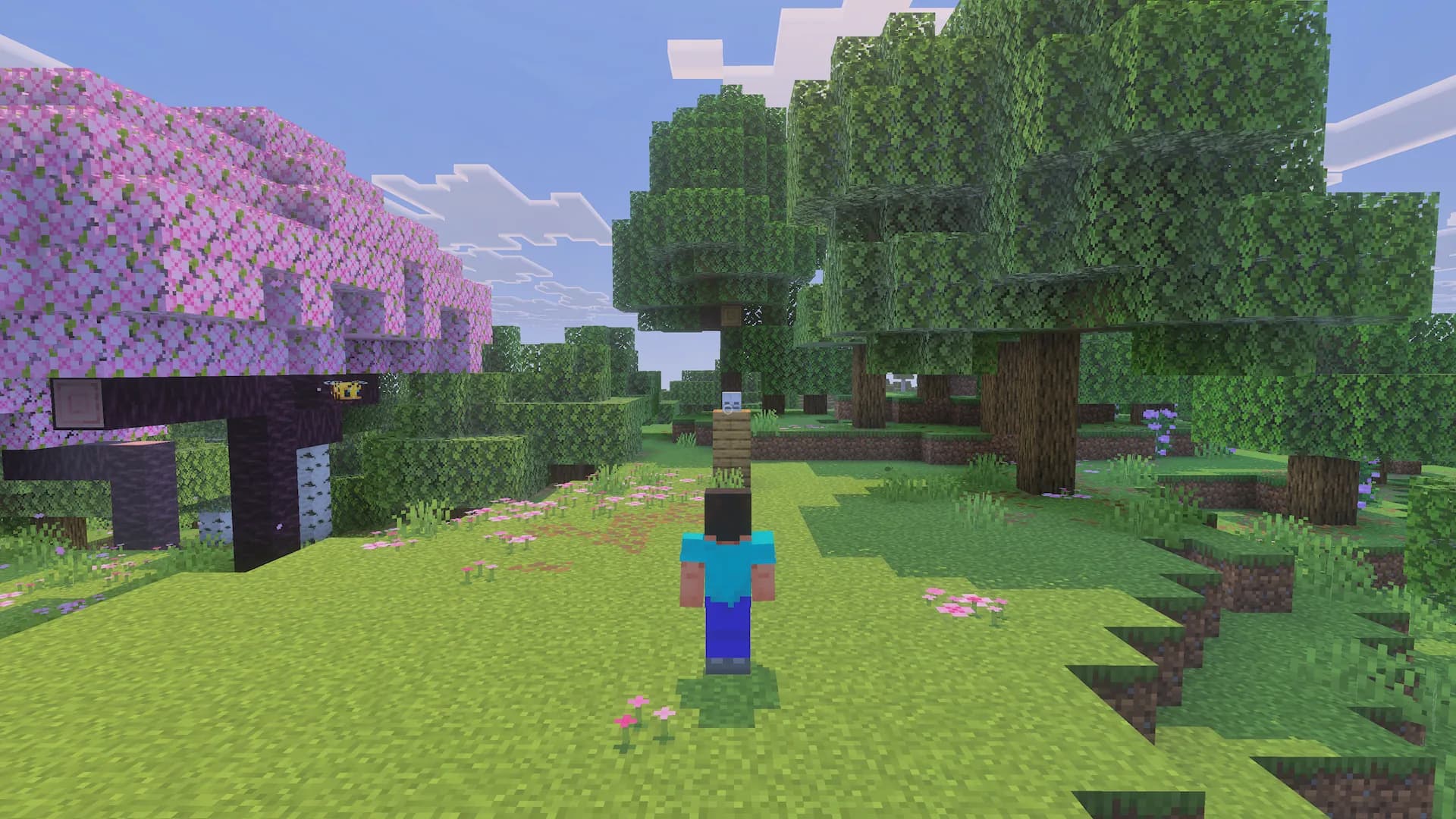
Centered
Keep your character centered, with a balanced view of the terrain and what lies ahead.
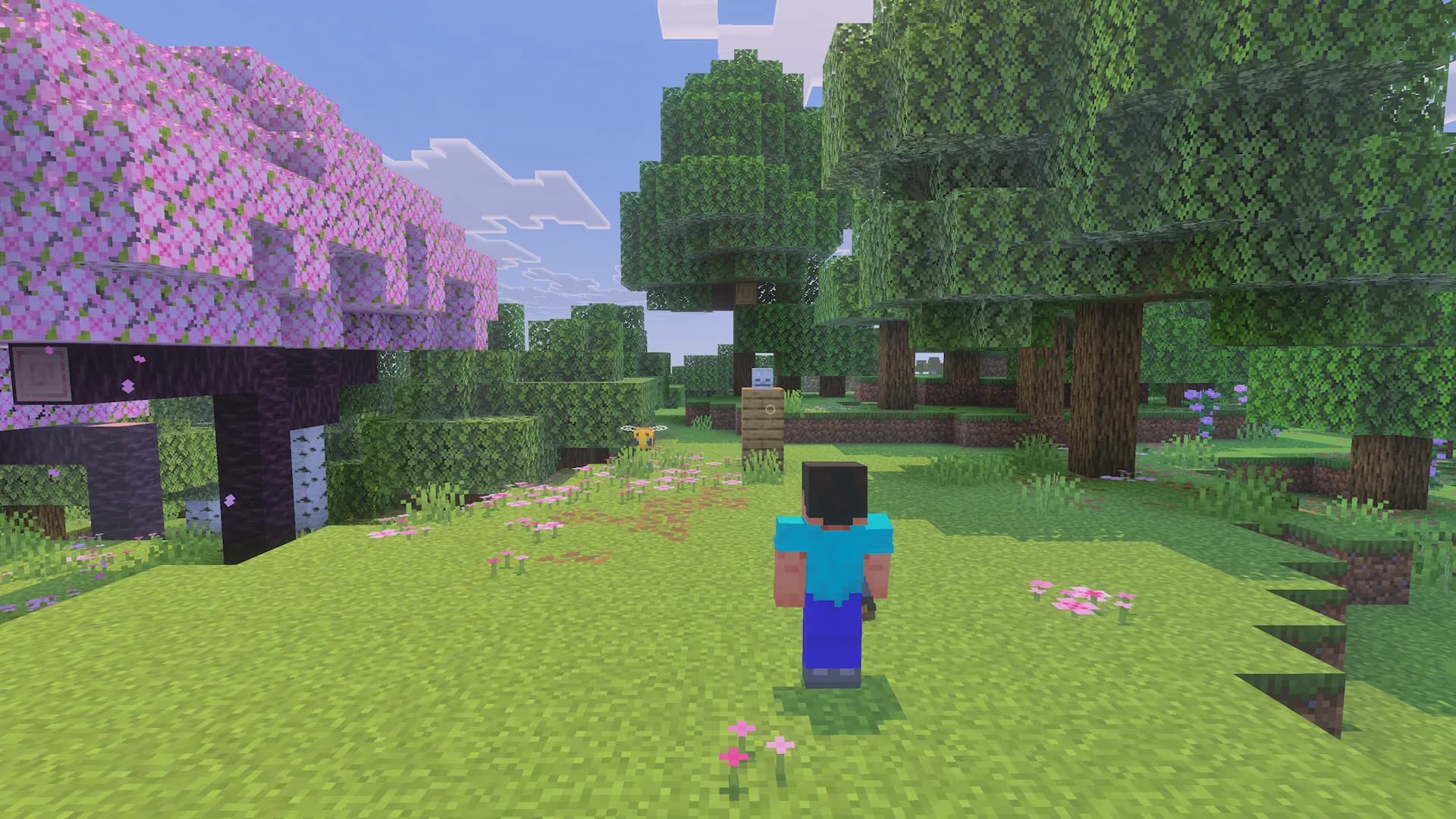
Left shoulder
Move your character to the left. Choose standard or wide spacing to find your framing.
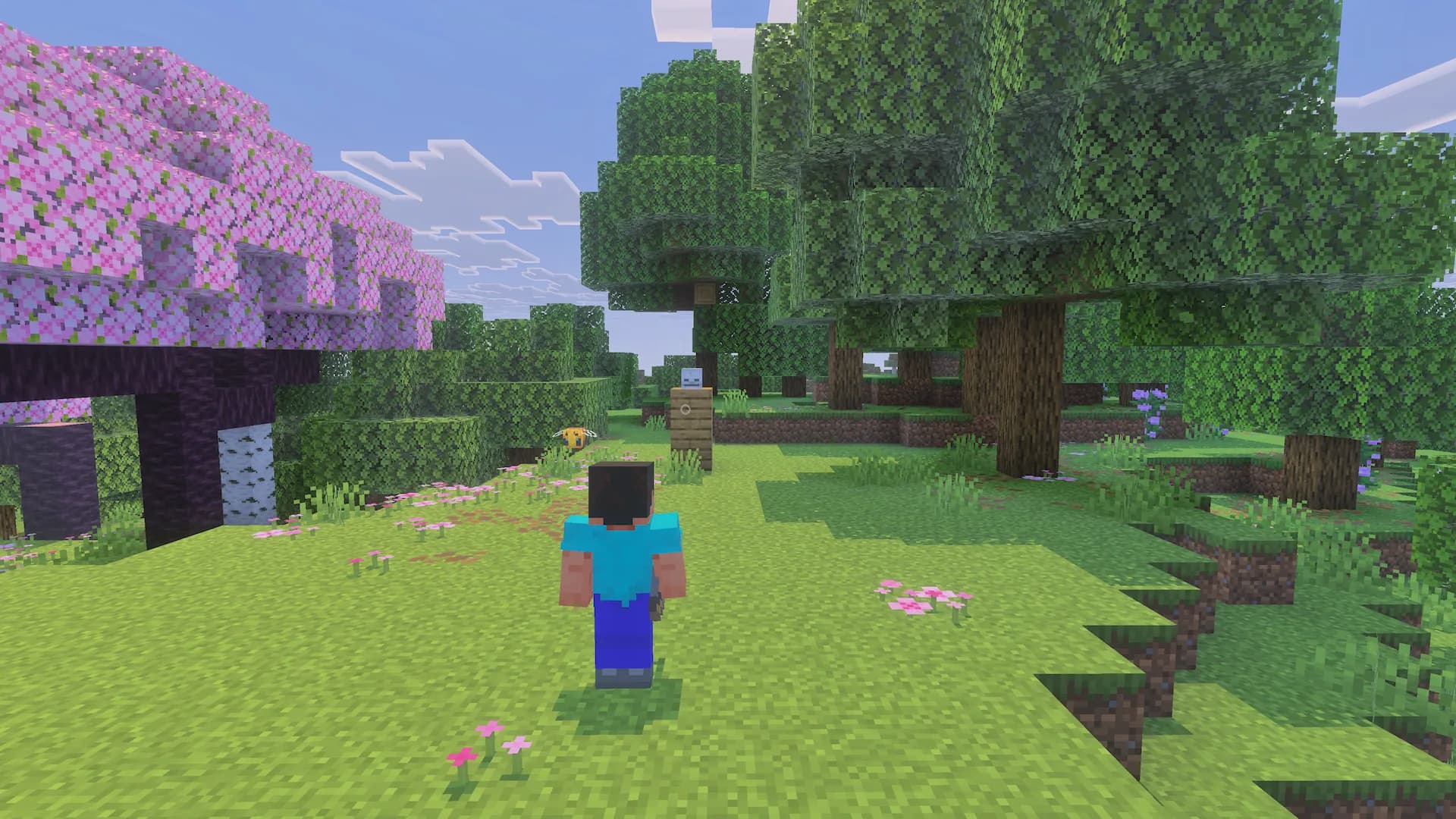
Right shoulder
An adjustable shoulder perspective for exploring while keeping your target in view.
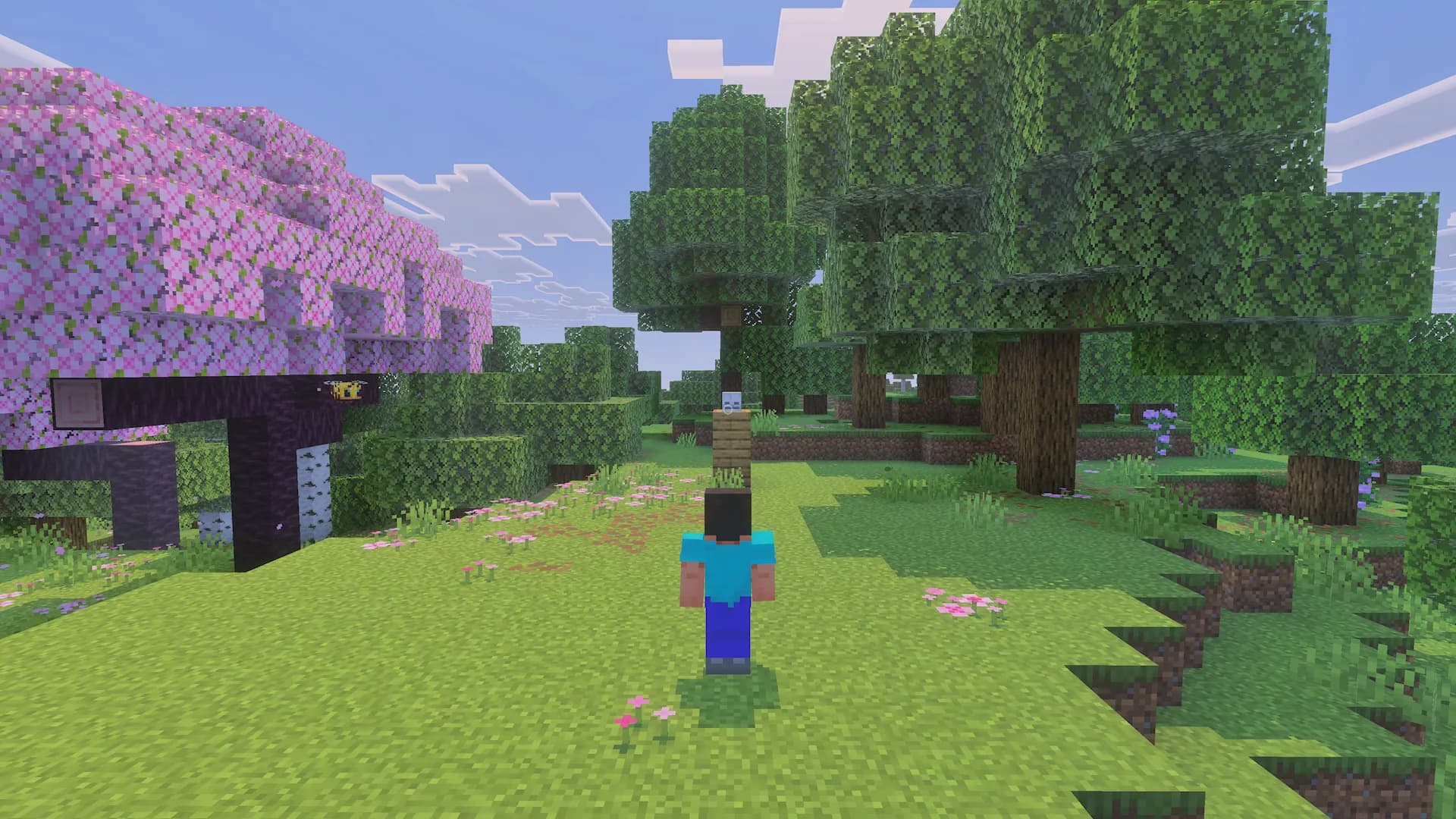
Adventure
Raise and pull back the camera to see more of the path and landscape as you explore.
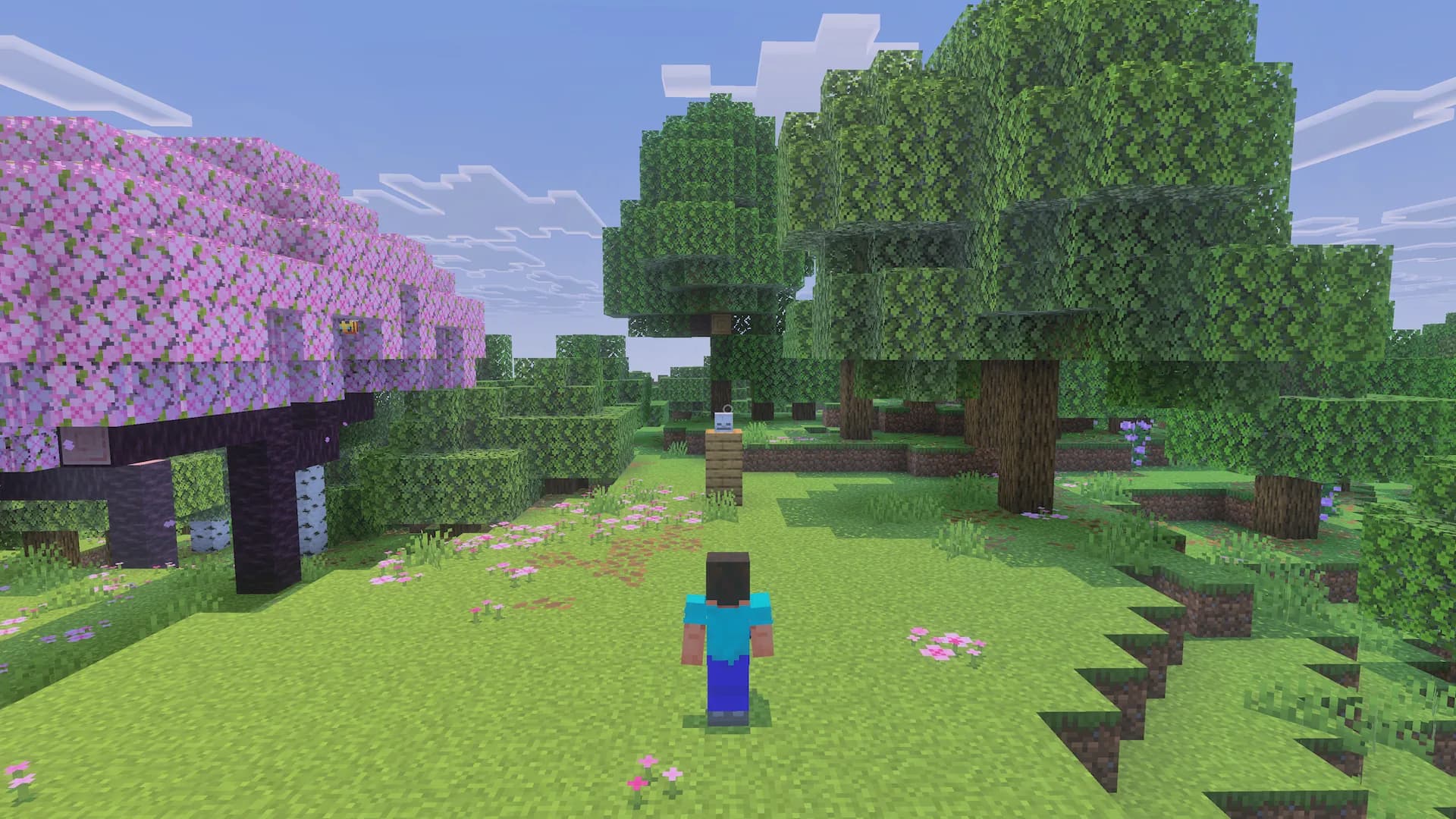
Tactical
A higher perspective to read the space, targets and movement around you.
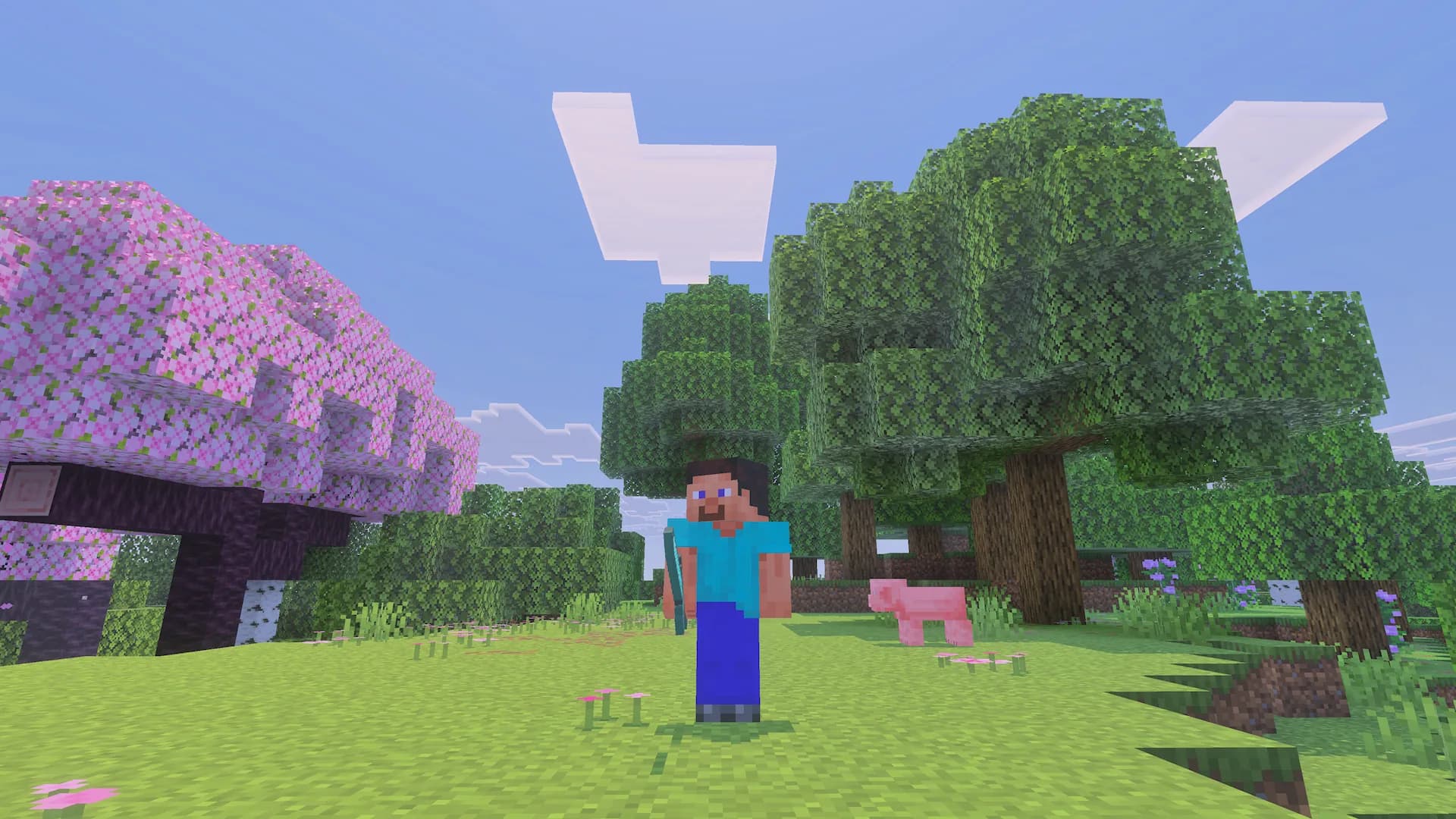
Free orbit
Look around your character and take in the surroundings without leaving third person.
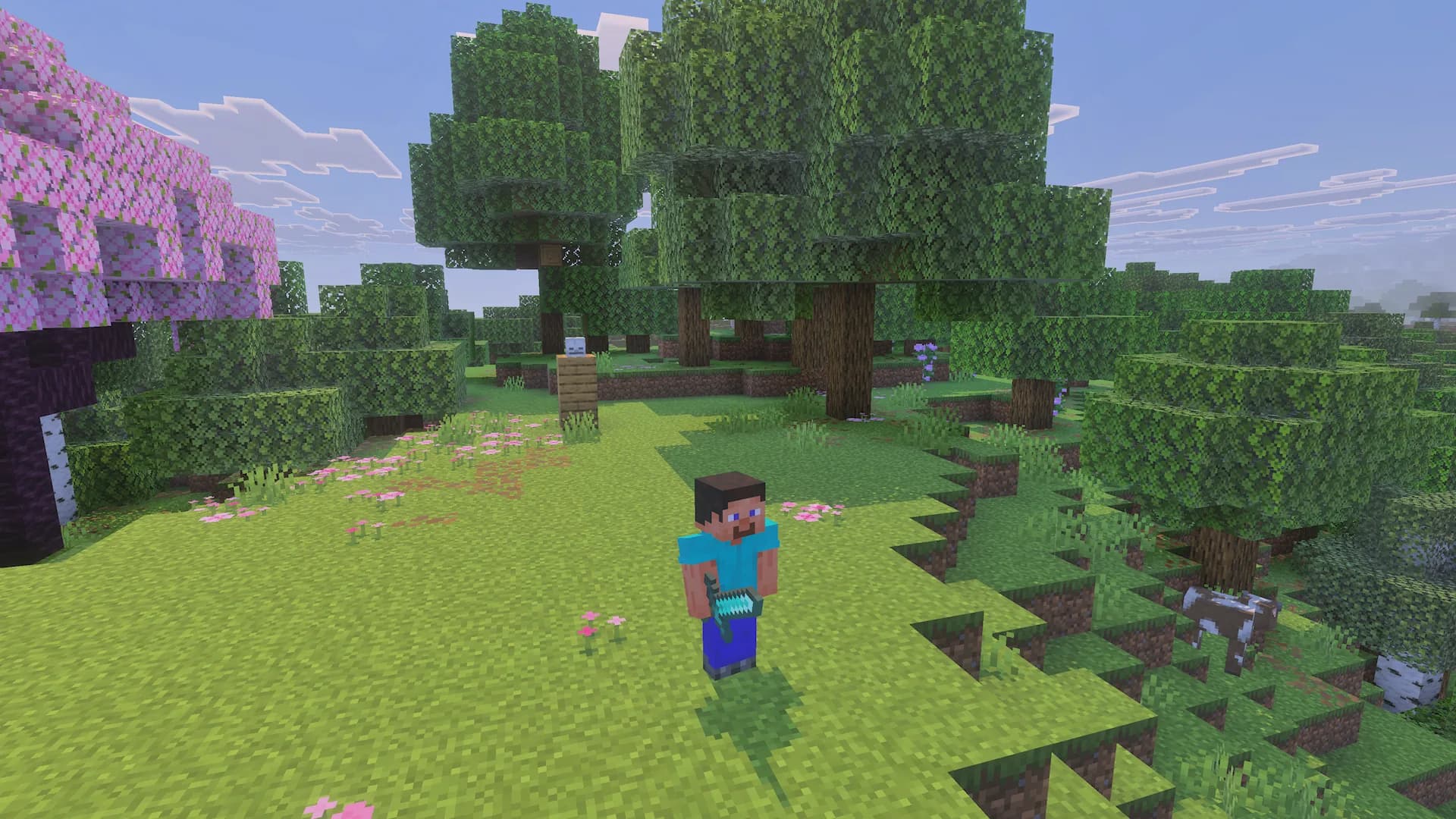
Cinematic
Three distance and height profiles to compose your journeys and find a more expressive view.
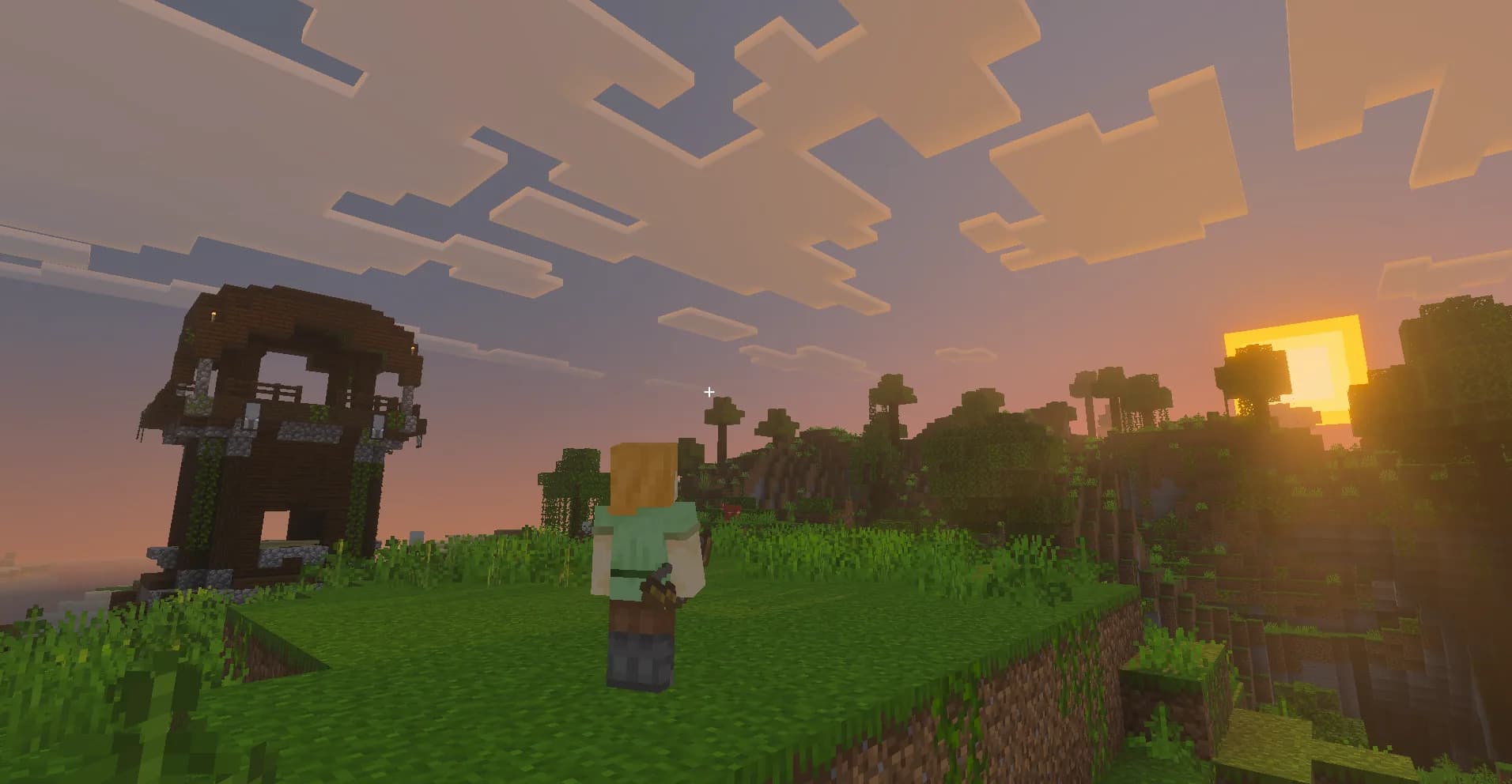
See more of your world.
A wider frame helps you read the terrain, follow the path and see what is happening around you.
Context while building. Precision when you need it.
Configure a temporary switch to first person for actions that need precision. Return to your previous camera when you finish.
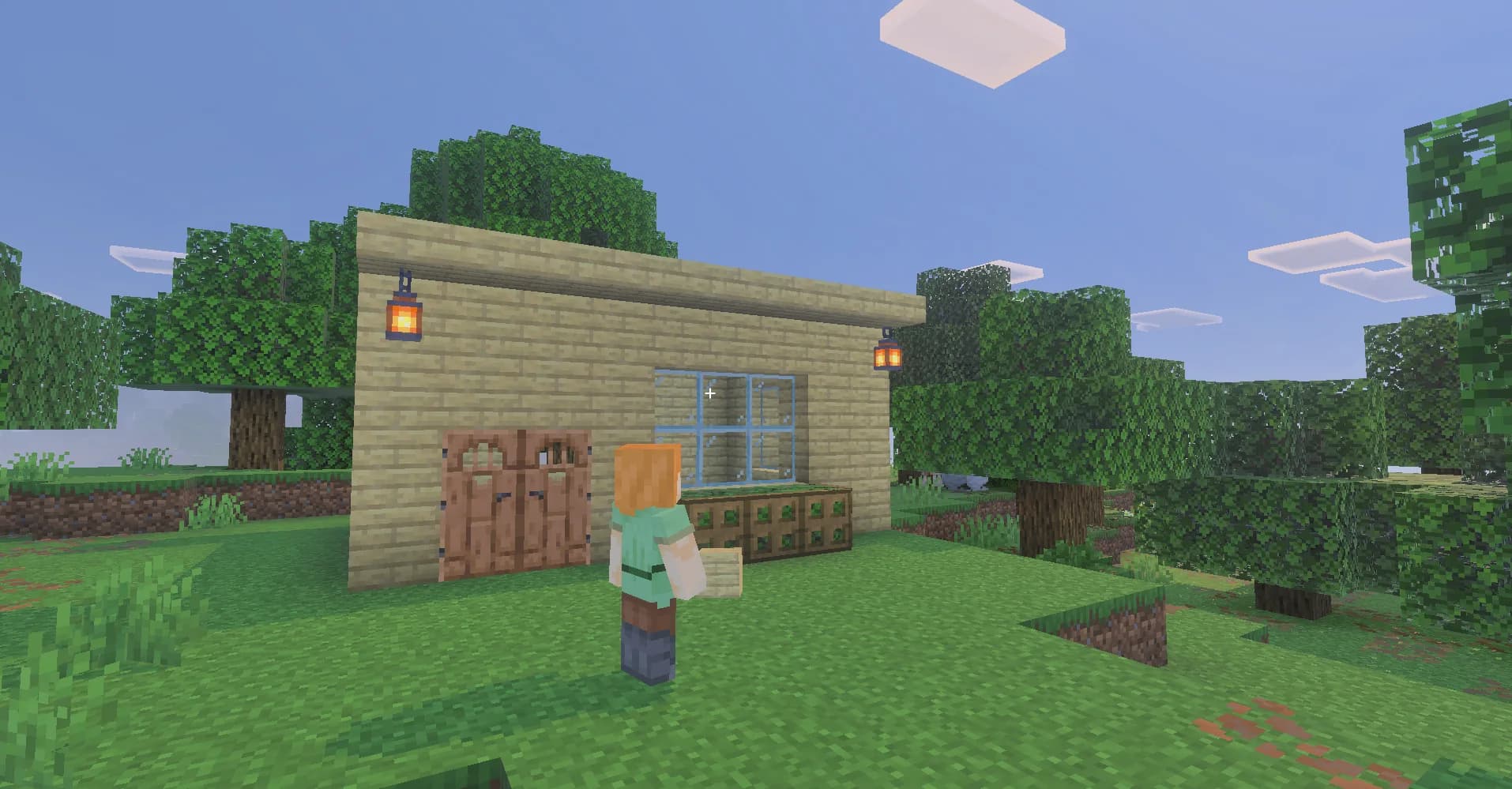
Build without losing sight of your surroundings.
A wider view while placing blocks and keeping an eye on your surroundings.
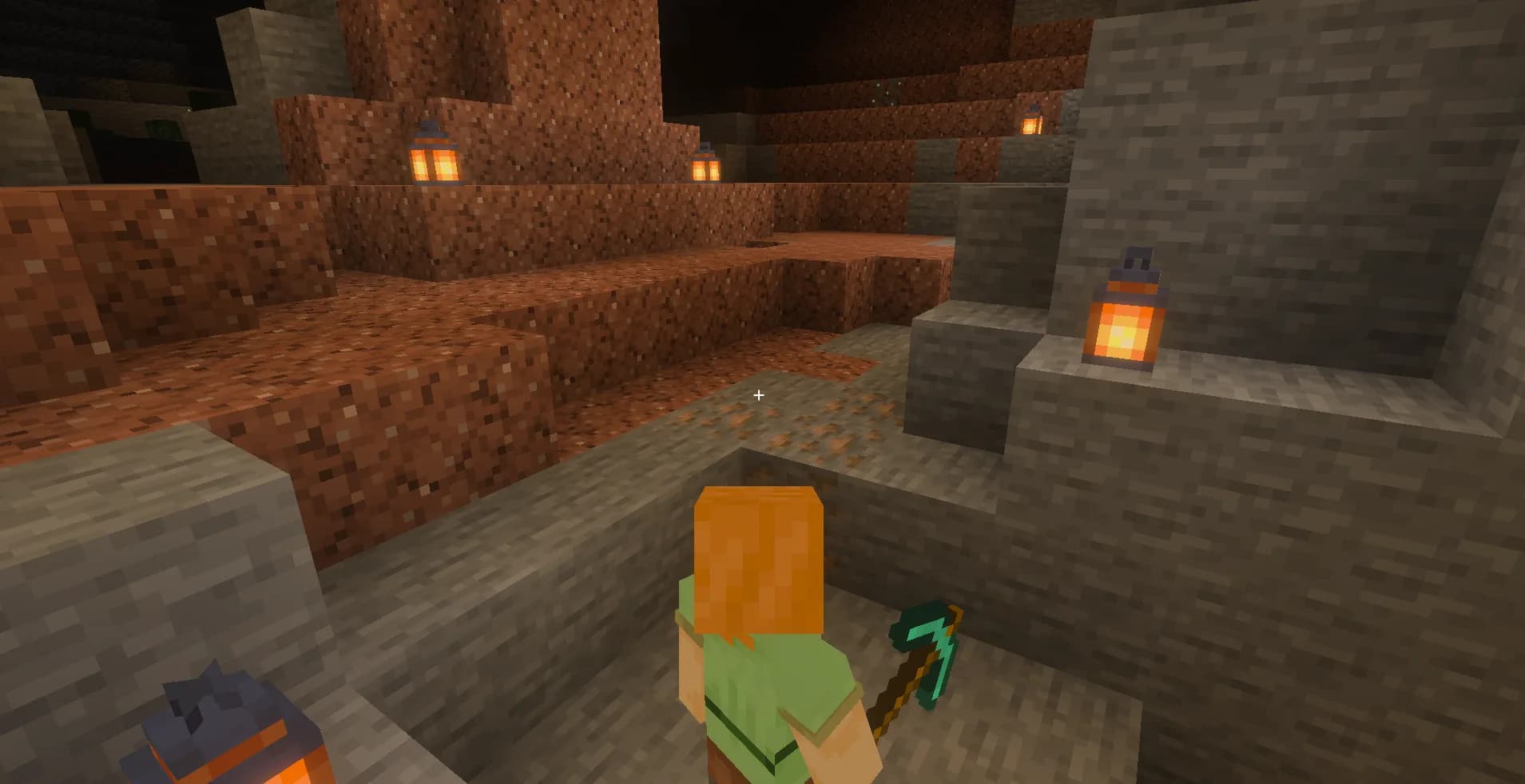
Get closer to the details.
First person when you need precision in small spaces.
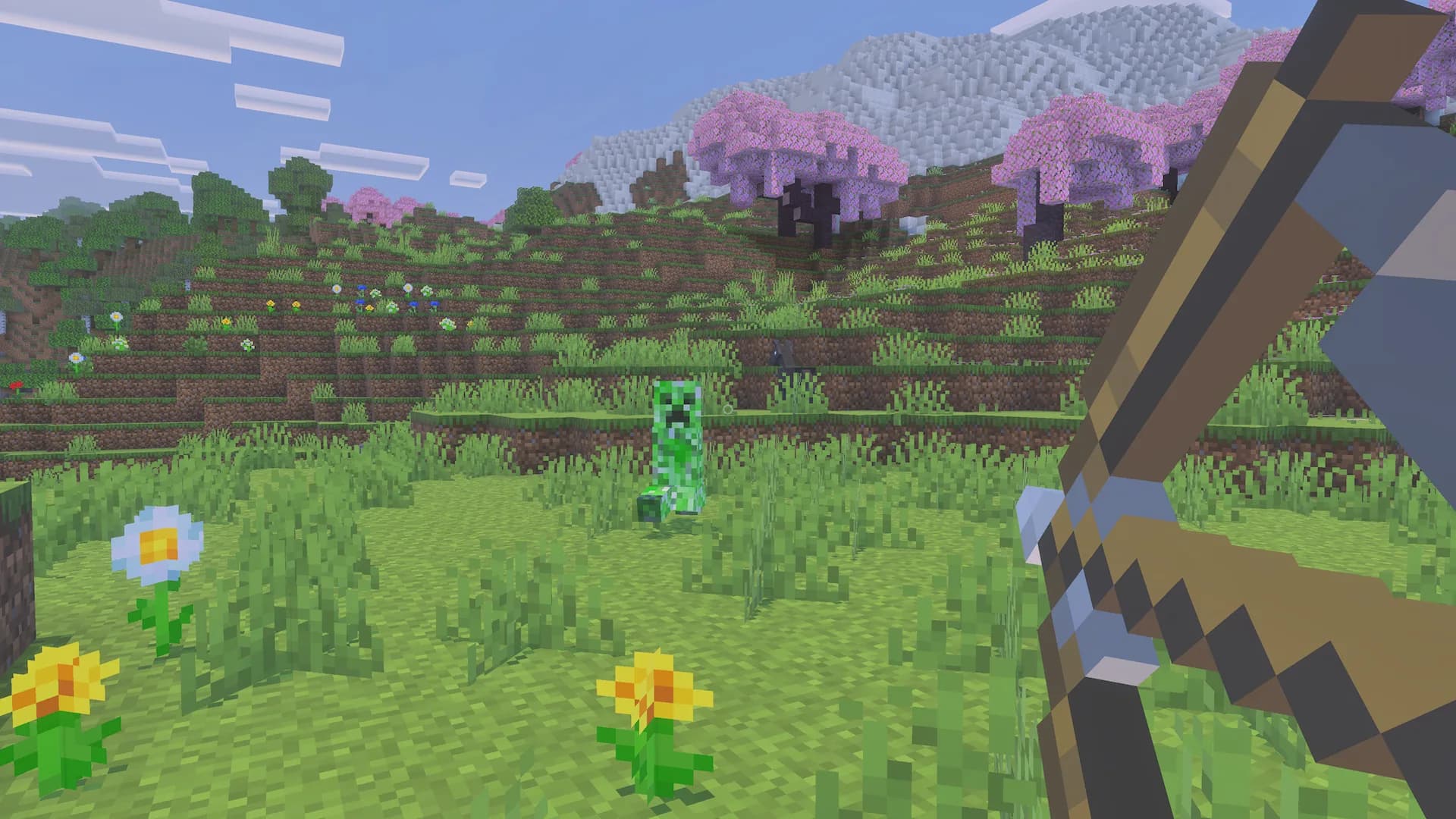
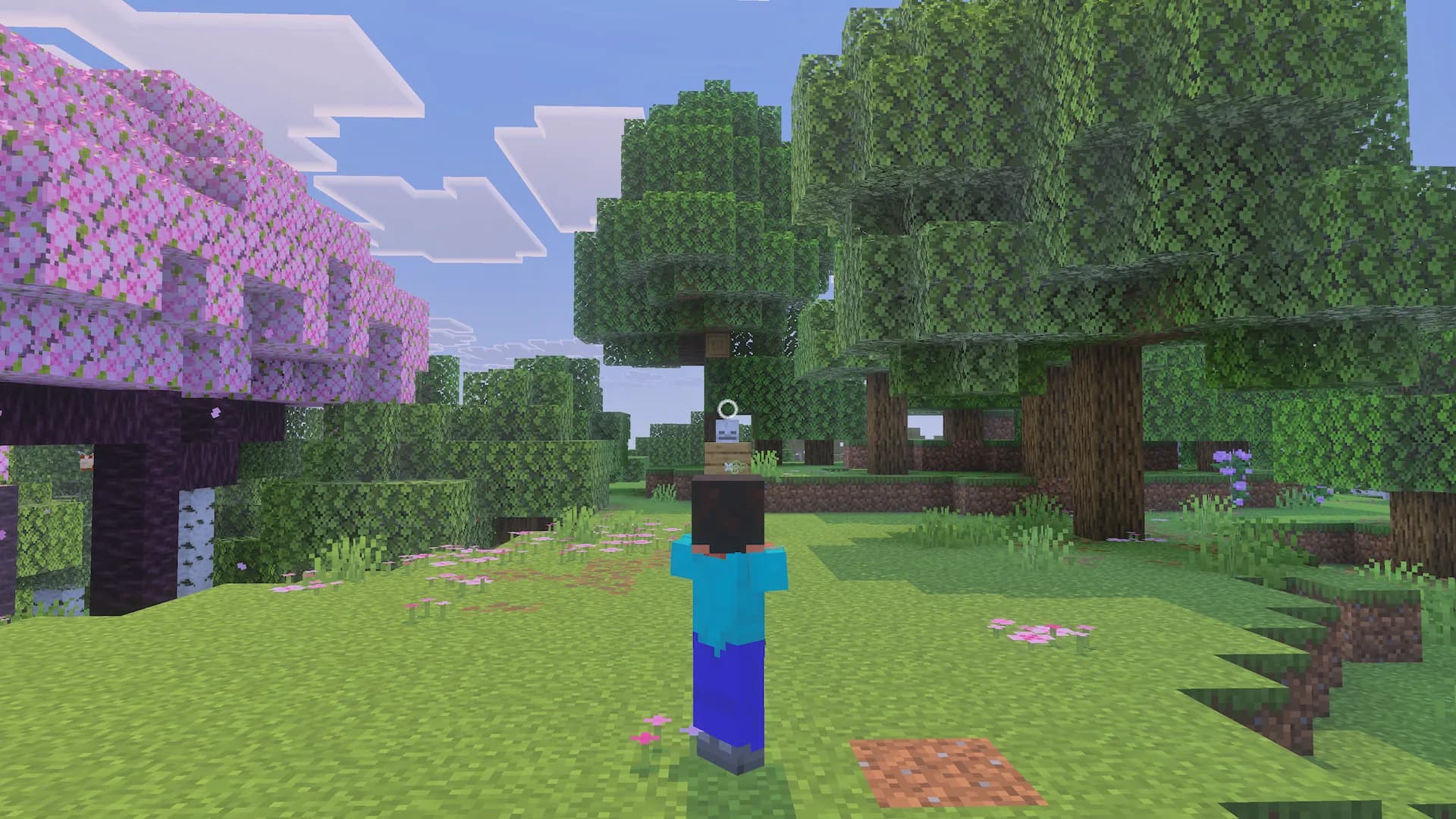
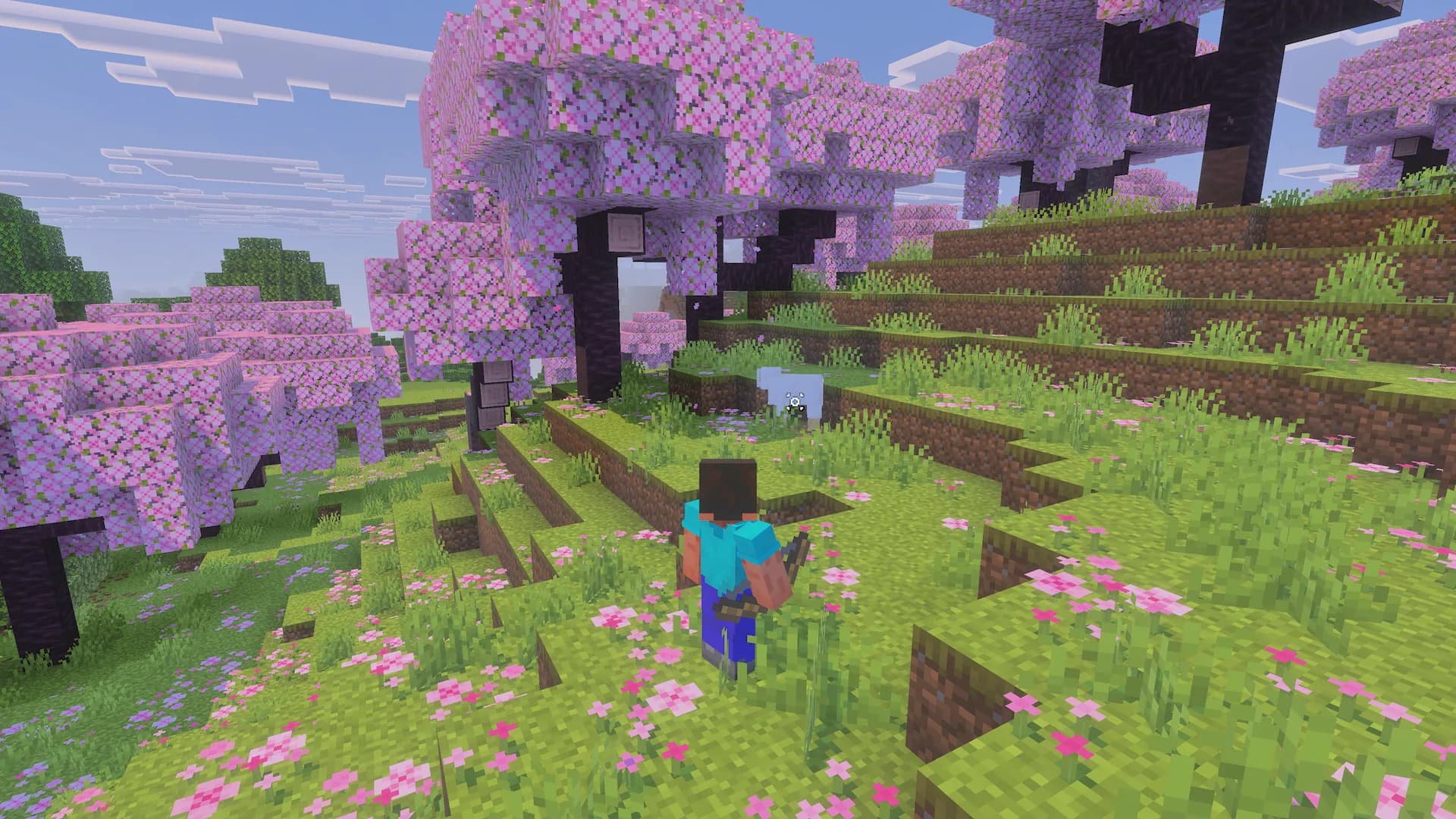
Choose how you want to aim.
First person, third person or native Aim Assist. Choose what suits the way you play.
Make your reticle your own.
Cross, dot or circleAdjustable size and opacity.
You decide when it appearsDynamic, always visible or hidden.
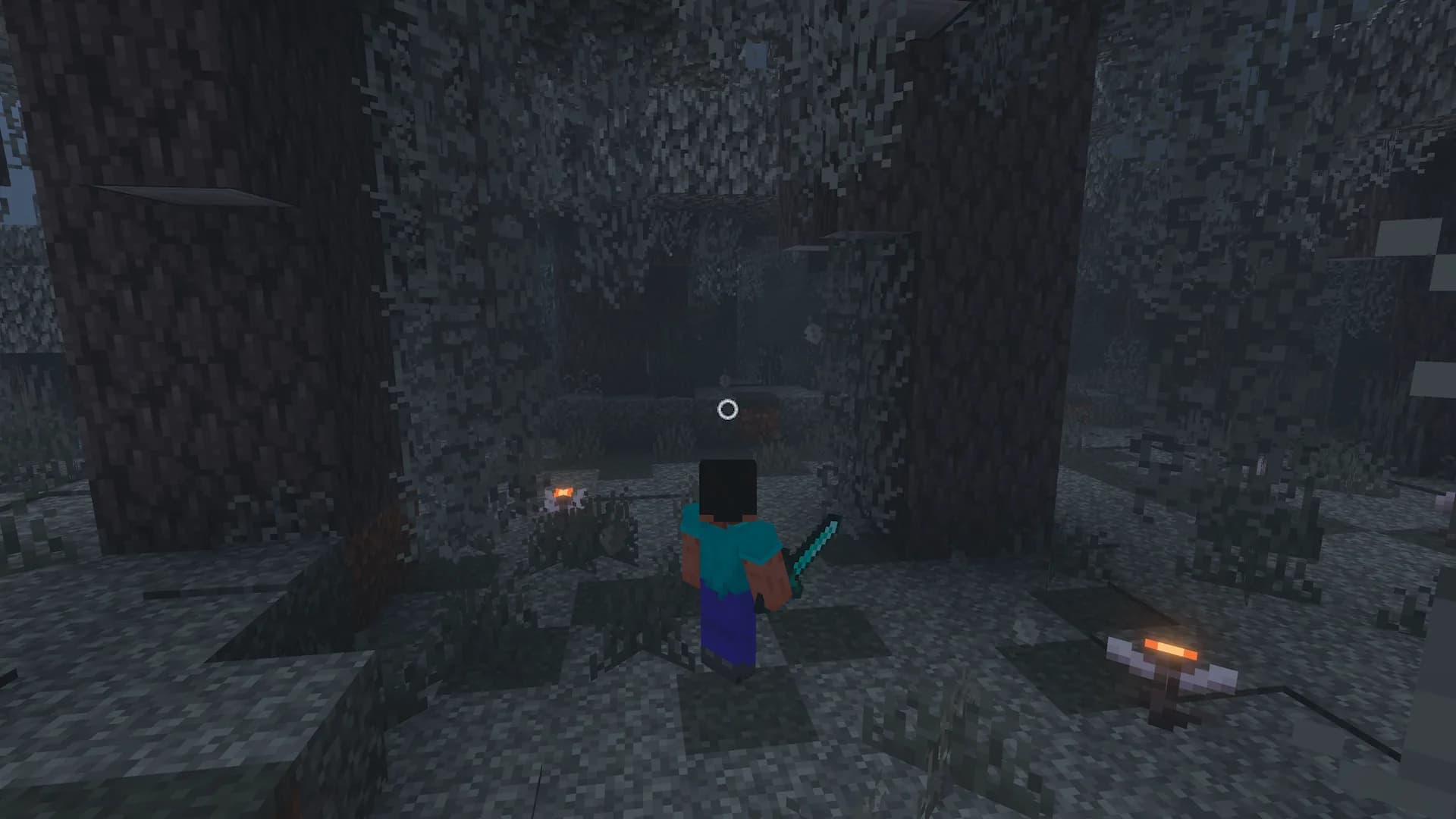
A camera that follows your actions.
Contextual framing and motion settings help keep your surroundings in view. Combat behavior is still being validated before the beta is published.
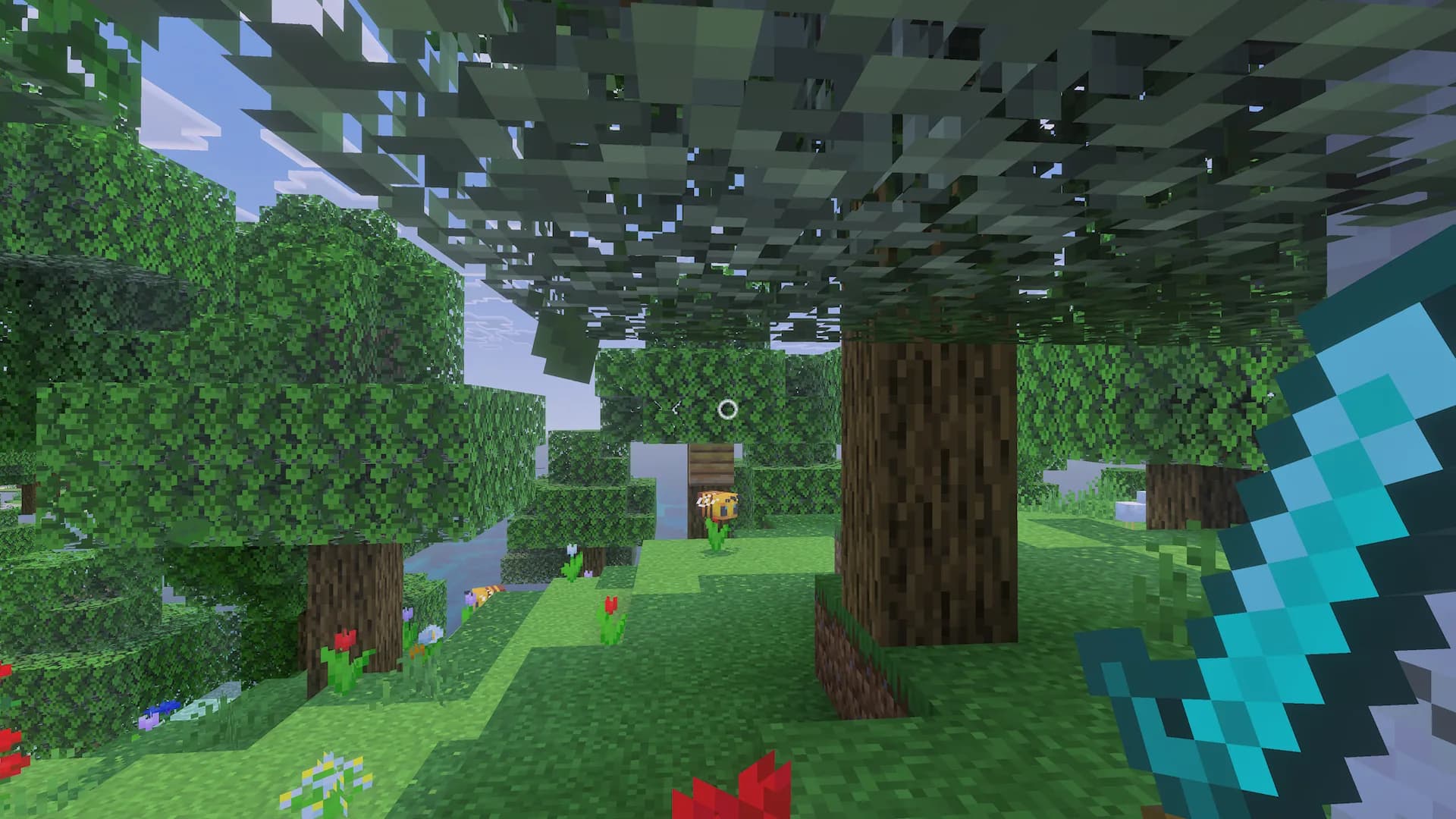
The camera finds a better angle.
Explore forests, enter mines and walk alongside walls. NextCam detects changes in the available space and adjusts its framing.
When obstacles appear, it recenters or moves the camera closer and restores your framing when the space opens up.
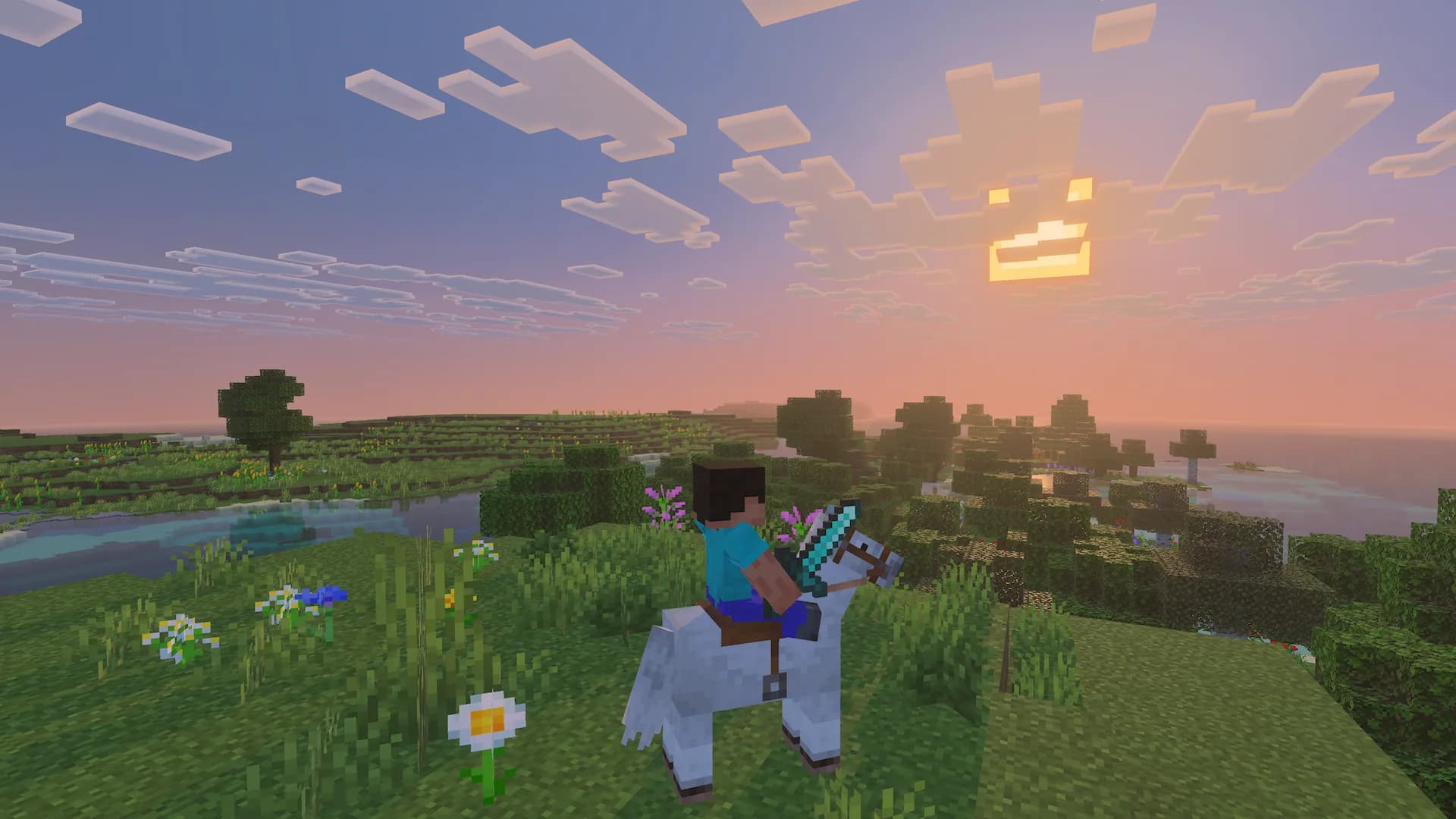
A dynamic camera for mounts and flight.
Height and distance adjust to the mount type while keeping your chosen perspective.
- Elytra, horses, camels and boats
- Profiles for different mount sizes
- Independent settings for each player
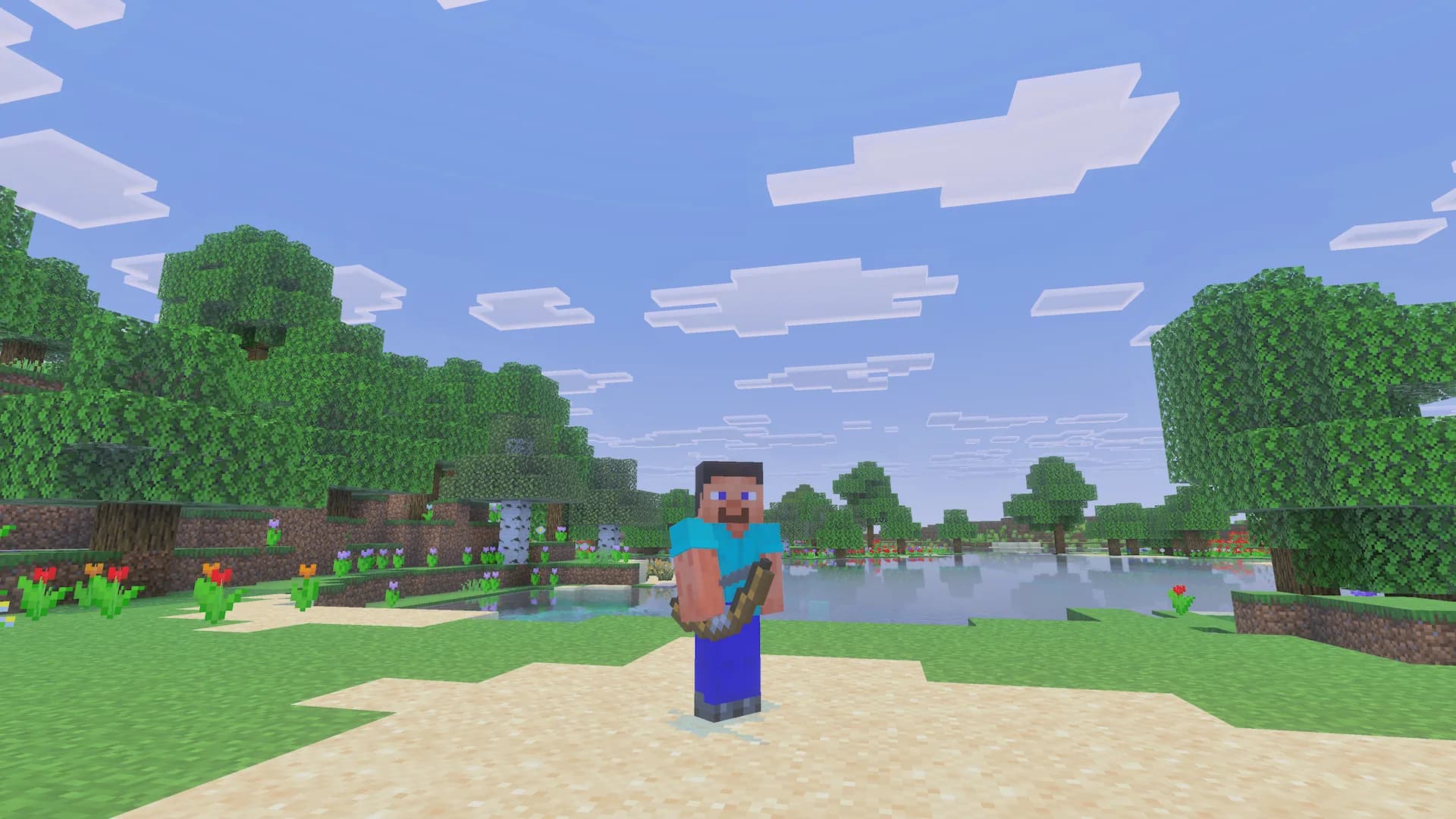
Explore your worlds from a new perspective.
Installation and downloadBEFORE DOWNLOADING
Installation and releases.
Check the installation instructions and requirements before adding the pack to your world.
Once an approved beta is published, download the .mcaddon file and import it into Minecraft Bedrock. Enable the included packs in your world. The Explorer skin will be available separately as an optional .mcpack file.